250+ Products 40+ Countries 70+ Years of craft 🇩🇪🇫🇷🇬🇧🇸🇦🇦🇪🇷🇺🇮🇹🇪🇸🇳🇱🇵🇹🇷🇸🇹🇷🇺🇸🇧🇷🇰🇿 Trusted by 250+ retailers across 40+ countries
study desk

Ergonomic Desk Setup: Expert Tips for Productivity

Goldfalez 4 min read
ergonomic desk setup office productivity tips preventing back pain at work ideal desk posture workspace optimization
Ergonomic Desk Setup: Expert Tips for Productivity

Do you often finish your workday with a stiff neck, sore shoulders, or a dull ache in your lower back? These are the hallmark symptoms of a workspace that lacks proper ergonomics. In the modern era of remote work, we often focus on the power of our computers or the speed of our internet, but we neglect the physical interface between our bodies and our work tools. An ergonomic desk setup is not just about comfort; it is a critical strategy for maintaining long-term health and sustaining high levels of focus throughout the day.

The Foundation: Desk Height and Posture

Ergonomics starts with how your body relates to your desk. The "90-degree rule" is your best friend here. Your elbows should be at a 90-degree angle when typing, your hips should be at 90 degrees in your chair, and your knees should be at 90 degrees with your feet flat on the floor.

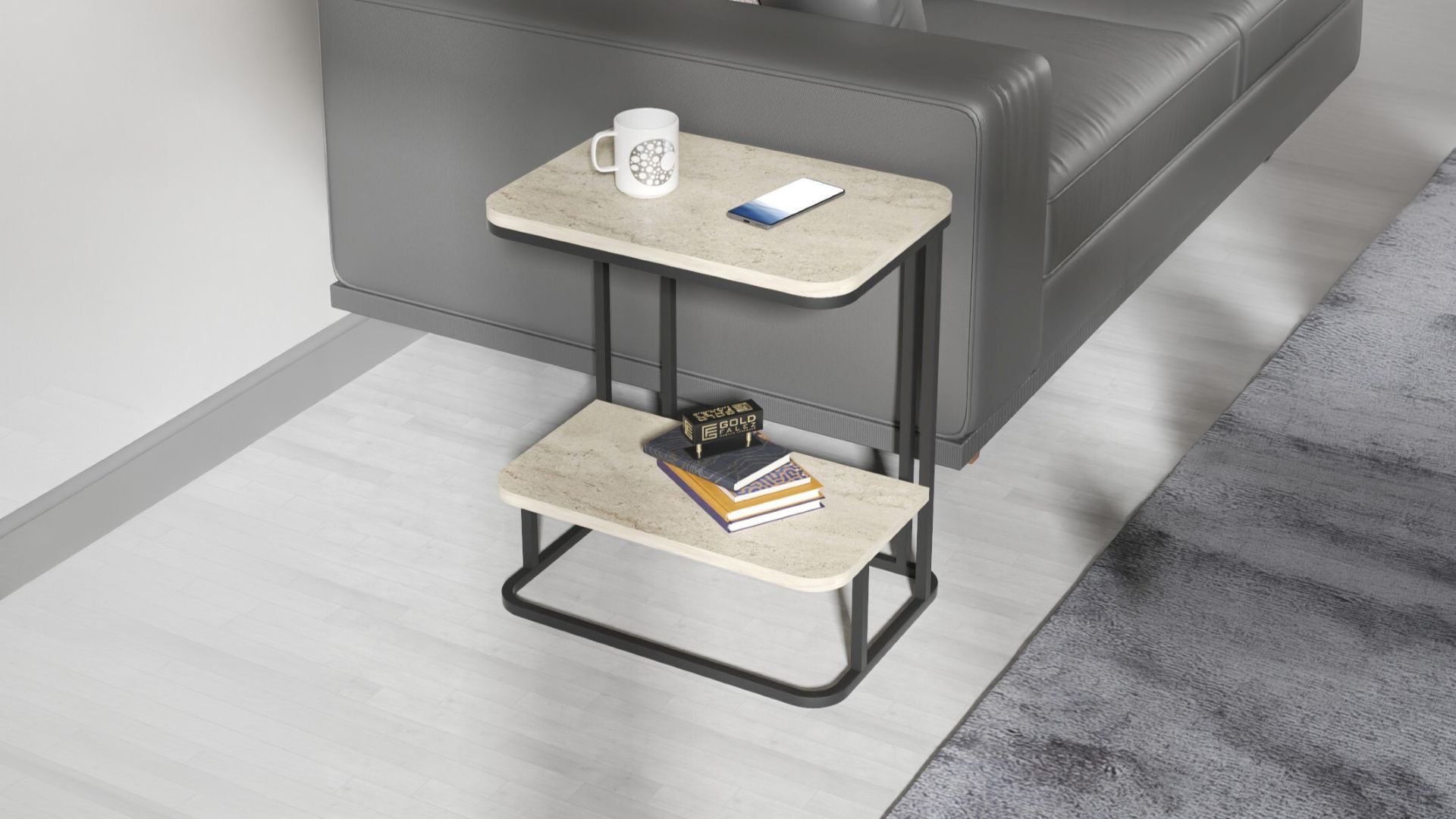
If your desk is too high, you will naturally shrug your shoulders, leading to tension headaches. If it is too low, you will slouch, straining your spinal discs. For those who frequently change their working location—perhaps moving from a formal office to a more relaxed setting—versatility is key. The Laptop Coffee Table Study provides a unique solution by allowing you to maintain better posture even when working from a sofa or bed, preventing the dreaded "laptop hunch" by bringing the screen closer to your natural eye level.

Monitor Placement: Protecting Your Vision and Neck

The most common ergonomic mistake is improper monitor height. Your eyes should naturally hit the top third of your computer screen when you are looking straight ahead. If the screen is too low, you will tilt your head down, which puts immense pressure on your cervical spine.

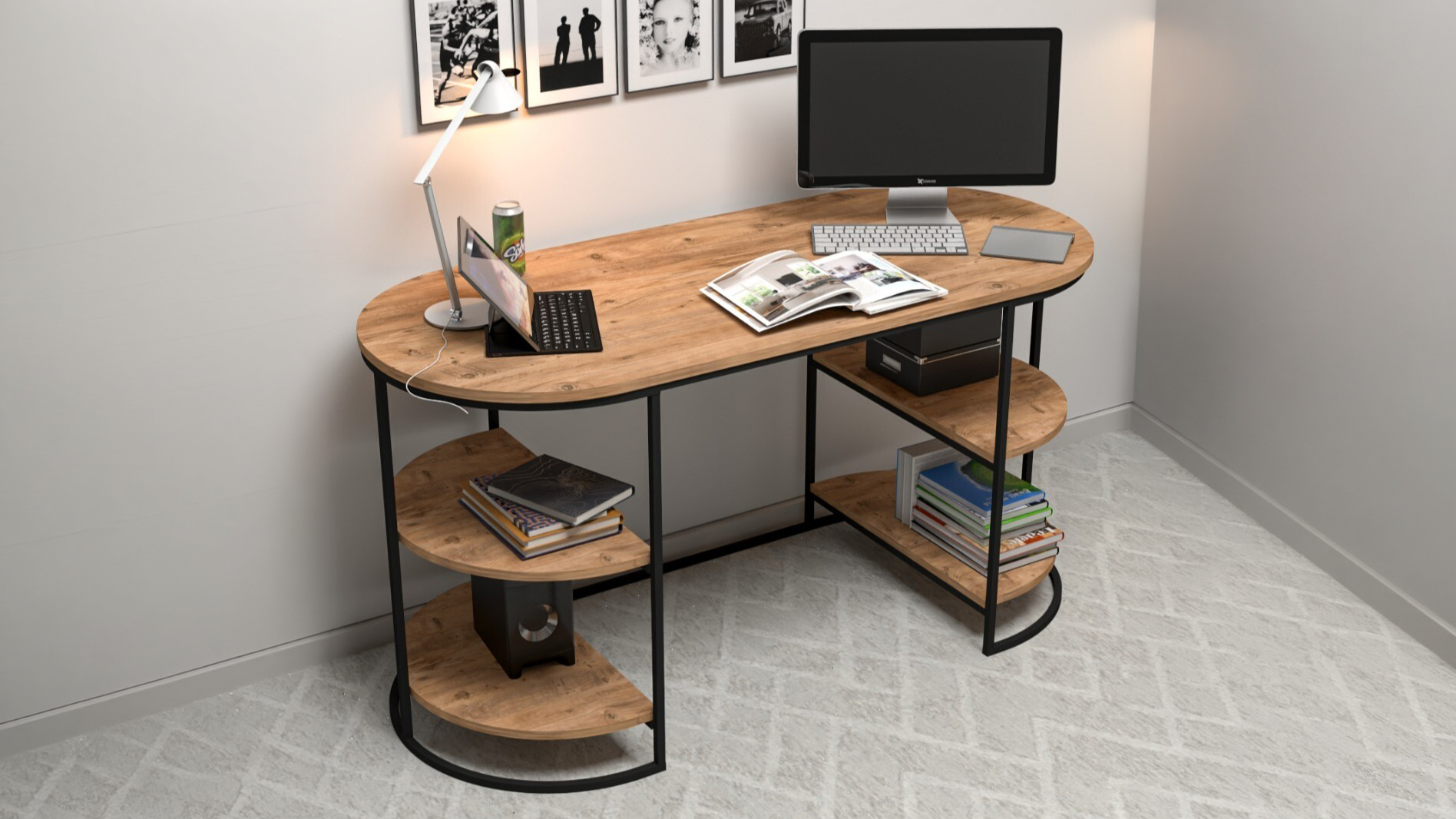
For fixed workstations, ensure your desk has enough depth to keep the monitor at least an arm's length away. A desk like the Computer Working Desk offers the necessary surface area to position your peripherals correctly. If you use a laptop as your primary device, consider using a separate keyboard and mouse while placing the laptop on a stand or a raised shelf to reach the correct height.

Organizing Your Reach Zones

Ergonomics also includes how you interact with items on your desk. Divide your desk into "reach zones."

  • Primary Zone: Items you use constantly (keyboard, mouse) should be within easy reach without extending your arms.
  • Secondary Zone: Items you use frequently (phone, notepad, coffee) should be reachable by extending your arms but without leaning your torso.
  • Tertiary Zone: Items used occasionally (reference books, printers) can be further away.

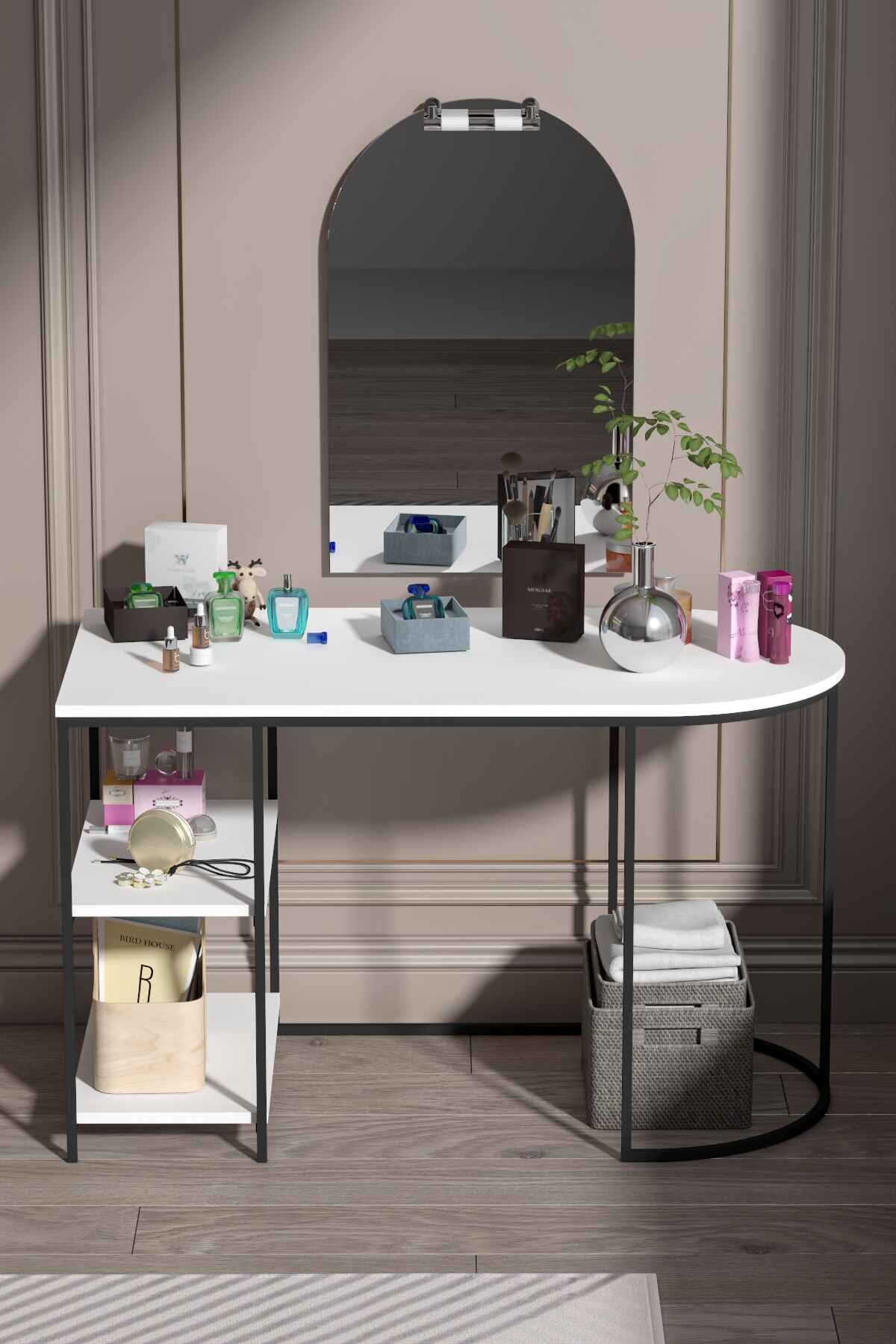
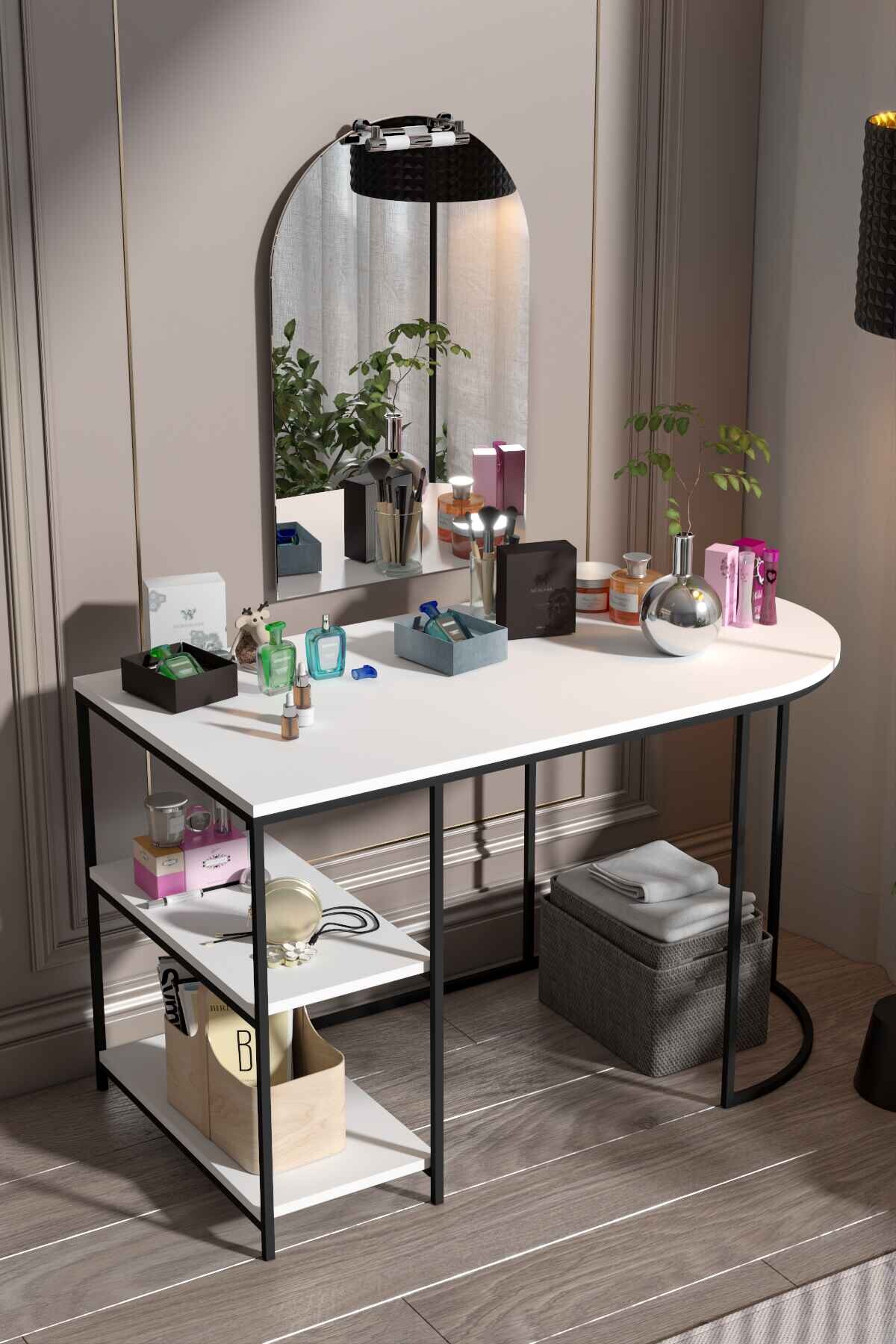
Storage solutions that are integrated into the desk help keep the primary zone clear. The Side Shelf Study Desk is particularly effective for this, as it provides nearby storage that keeps the main surface dedicated to active work.

Lighting and Eye Strain

A productive workspace requires balanced lighting. Avoid placing your desk directly in front of a window, as the glare can cause significant eye strain. Instead, position your desk perpendicular to the window. Use a dedicated task light for reading physical documents, but ensure it doesn't create reflections on your computer screen.

Remember the 20-20-20 rule: Every 20 minutes, look at something 20 feet away for at least 20 seconds. This simple habit, combined with a well-organized desk, will drastically reduce digital fatigue.

Frequently Asked Questions

Is it better to sit or stand while working?

The best posture is your next posture. Neither sitting nor standing for 8 hours straight is ideal. The goal is "dynamic working"—changing your position every 30 to 60 minutes. Use a comfortable, supportive desk for your primary tasks and take regular breaks to walk and stretch.

How do I know if my desk is the right size for me?

A desk is the right size if you can sit comfortably with your legs under it (no hitting your knees on drawers), and you can reach your most-used tools without straining. If you feel "trapped" or if you have to constantly lean forward to see your screen, your setup needs adjustment.

Can I achieve ergonomics on a budget?

Absolutely. Ergonomics is more about the arrangement than the price tag. Choosing a well-designed, standard-height desk like those from Goldfalez and pairing it with a supportive chair and thoughtful peripheral placement can create a professional-grade ergonomic environment without breaking the bank.

Conclusion

Investing time in your ergonomic setup pays dividends in the form of reduced pain and increased energy. By choosing furniture that supports your body's natural alignment and organizing your tools intelligently, you transform your home office from a place of stress to a sanctuary of productivity. Don't wait for the pain to start—optimize your workspace today.

Frequently Asked Questions

Is it better to sit or stand while working?

The best posture is your *next* posture. Neither sitting nor standing for 8 hours straight is ideal. The goal is "dynamic working"—changing your position every 30 to 60 minutes. Use a comfortable, supportive desk for your primary tasks and take regular breaks to walk and stretch.

How do I know if my desk is the right size for me?

A desk is the right size if you can sit comfortably with your legs under it (no hitting your knees on drawers), and you can reach your most-used tools without straining. If you feel "trapped" or if you have to constantly lean forward to see your screen, your setup needs adjustment.

Can I achieve ergonomics on a budget?

Absolutely. Ergonomics is more about the *arrangement* than the price tag. Choosing a well-designed, standard-height desk like those from Goldfalez and pairing it with a supportive chair and thoughtful peripheral placement can create a professional-grade ergonomic environment without breaking the bank.

Related Articles